Cango verification: sending documents
When you open the verification tab in your account settings, the casino connects you directly to the Sumsub interface. This system guides you through a fixed three-part sequence: first your identity document, then your proof of address, and finally a selfie check. Whether you complete this on a desktop browser or on your mobile using the browser-based PWA, the upload widget works the same way. Because there is no native app in the App Store or Google Play, adding the site to your home screen via Safari on iPhone or installing the web app on Android gives you direct access to your phone camera for the Sumsub prompts.
Photo quality is the single biggest factor that separates a 24-hour approval from a multi-day rejection loop. Every file you send must be in full colour, well-lit, and completely unaltered by filters or image editors. All four corners of the page or plastic card must sit inside the frame. Before you hit submit, check that the personal details on your documents match the exact name, date of birth, and country you entered on the single registration form when you chose AUD as your permanent account currency. You can read more about how profile accuracy affects overall site ratings in our Cango review, where payout reliability and account checks are scored in detail.
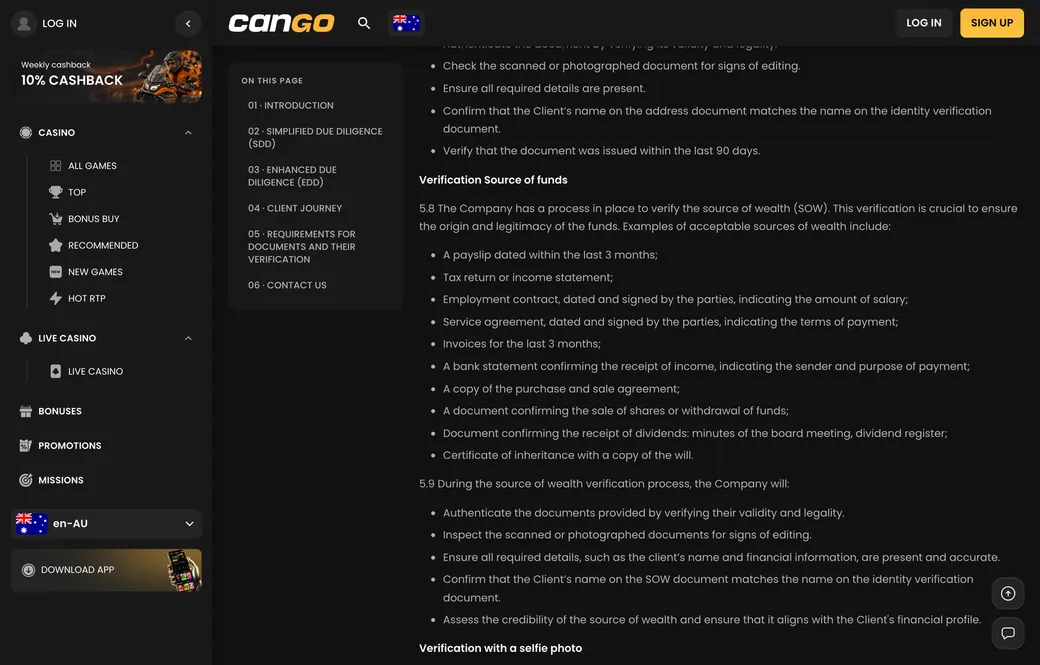
Near the A$8,000 weekly or A$22,000 monthly limits, the team may also ask for a source of funds document and for proof that the card or wallet is yours, for example the front of the card with the middle digits covered. These extra checks usually fit into the same 24 to 48 hour window.
Identity
The first screen in the Sumsub widget asks for your primary photo ID. You can upload a passport, a national ID card or another photo ID issued by a government body. Lay the document flat on a dark, plain surface in natural daylight so that the plastic laminate does not reflect camera flash over your face or surname. Make sure the expiry date is clearly legible and still in the future.
If you choose a national ID card or another photo ID rather than a passport, the system will prompt you to photograph both the front and the back. Take a few seconds to zoom in on your preview image before confirming the upload. If the tiny characters along the bottom machine-readable zone are blurry or a finger covers one of the corners, the automated reader will flag the file, adding an avoidable 24 to 48 hours to your review time.
Address
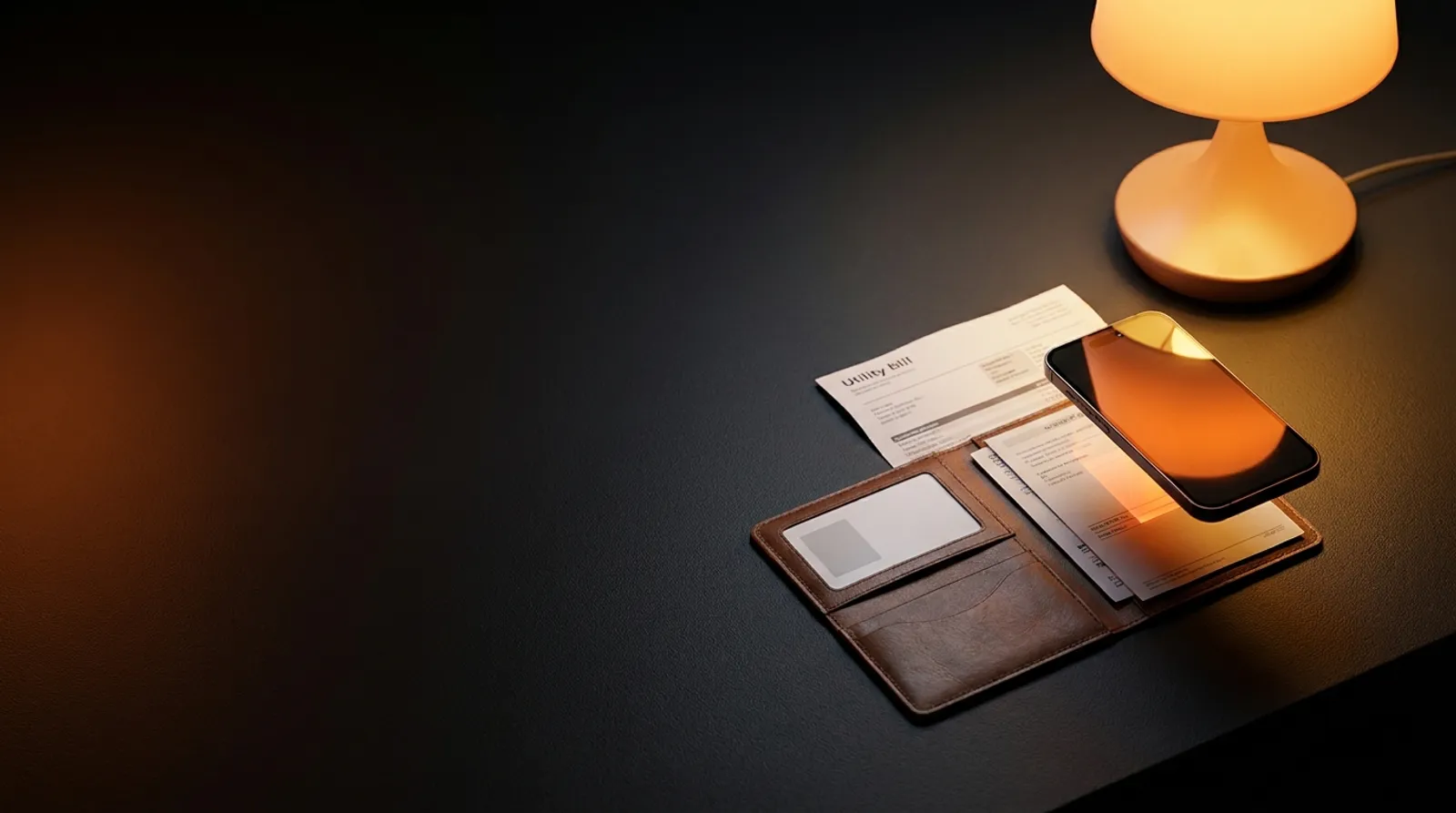
Once your ID is uploaded, the system requests proof of your residential address in Australia. Acceptable documents include a utility bill for electricity, gas, water, or landline internet, or a bank statement. The golden rule here is the 90-day limit: the issue date printed on the statement or bill must be under 90 days old on the day you upload it. A rates notice or bank letter dated 95 days ago will be declined automatically.
You can upload either a high-resolution photo of a paper statement or an original PDF downloaded straight from your online banking portal. Whichever format you pick, the full page must be visible, showing the company logo, your full name, your street address, and the issue date. Cropped screenshots from a mobile banking screen that cut off your name or the header will not pass the Sumsub check.
Selfie
The final standard step is the selfie verification, which confirms that the person operating the casino account is the same person shown on the photo ID. Sumsub will ask you to take a photo holding your passport, national ID card or another photo ID next to your face, and may also guide you through a quick live head-turn in front of your webcam or mobile camera. Keep your face straight, remove sunglasses or hats, and stand facing a window or lamp so there are no dark shadows across your eyes.
Hold the document beside your chin without covering the photo or name, and keep both your face and the small print in focus. If the system rejects a selfie, the 24/7 live chat usually replies within about 2 minutes and can tell you why.